

A small static site generator built on Python and Jinja.


The full documentation lives in docs/ and is built with Zensical.
Preview it locally with zensical serve; it is published at
https://jamstackpy.github.io/.
Jamstack turns a folder of Markdown and Jinja templates into a static site.
There is no database, no runtime, and no network access during a build: you
write content, run one command, and deploy the generated dist/ folder
anywhere.
- Markdown pages with TOML front matter, or raw Jinja templates when you need full control.
- Themes as plain folders: bundled ones, your own, or a per-project override.
- A development server that rebuilds on change and keeps the last good build when something fails.
sitemap.xml, an Atom feed, and a themed404.htmlgenerated for you.- Deterministic output: the same sources always produce the same bytes.
- Three runtime dependencies:
click,jinja2,markdown-it-py.
python -m pip install jamstackPython 3.11 or newer is required.
jamstack init my-site --theme blog
cd my-site
jamstack build
jamstack serve
jamstack init scaffolds site.toml, a starter page, and the files the chosen
theme needs. jamstack build writes the site to dist/. jamstack serve
serves it at http://127.0.0.1:8000 and rebuilds when a source changes.
my-site/
  site.toml          # site configuration
  content/           # pages (.md or .html)
  static/            # files copied as-is to the output root
  templates/         # optional overrides of the theme's templates
  themes/            # optional local themes
  dist/              # build output (do not edit)
A page is a file under content/. Its path becomes its URL:
| Source | URL | Output |
|---|---|---|
content/index.md |
/ |
dist/index.html |
content/about.md |
/about/ |
dist/about/index.html |
content/posts/hello.md |
/posts/hello/ |
dist/posts/hello/index.html |
Markdown files may start with TOML front matter delimited by +++:
+++
title = "Hello, world"
date = 2026-11-06
summary = "The first post."
+++

This is **Markdown**.
Recognised keys:
| Key | Type | Meaning |
|---|---|---|
title |
string | Page title. Defaults to the file name. |
date |
ISO date | Publication date. Feeds and listings order by it. |
template |
string | Template to render the page with. |
draft |
boolean | Excluded from builds unless --drafts is passed. |
summary |
string | Short description used by feeds and the blog theme. |
Any other key is available to templates as page.meta. Files ending in
.html are rendered as Jinja templates instead of Markdown, which makes it
easy to build landing pages with custom markup.
[site]
title = "My Site"                 # required
description = ""
author = ""
base_url = "https://example.com"  # required for sitemap.xml and feed.xml
language = "en"

[build]
output = "dist"

[theme]
name = "blog"
base_url must be the public, absolute URL of the site. When it is set,
Jamstack writes sitemap.xml with every page and feed.xml with every dated
page. When it is empty, both files are skipped rather than emitting relative
URLs.
List the available themes with:
jamstack themesTwo themes ship with the package: minimal for small sites and blog for
dated posts. A project can override a bundled theme by creating
themes/<name>/ inside the project; local themes take precedence.
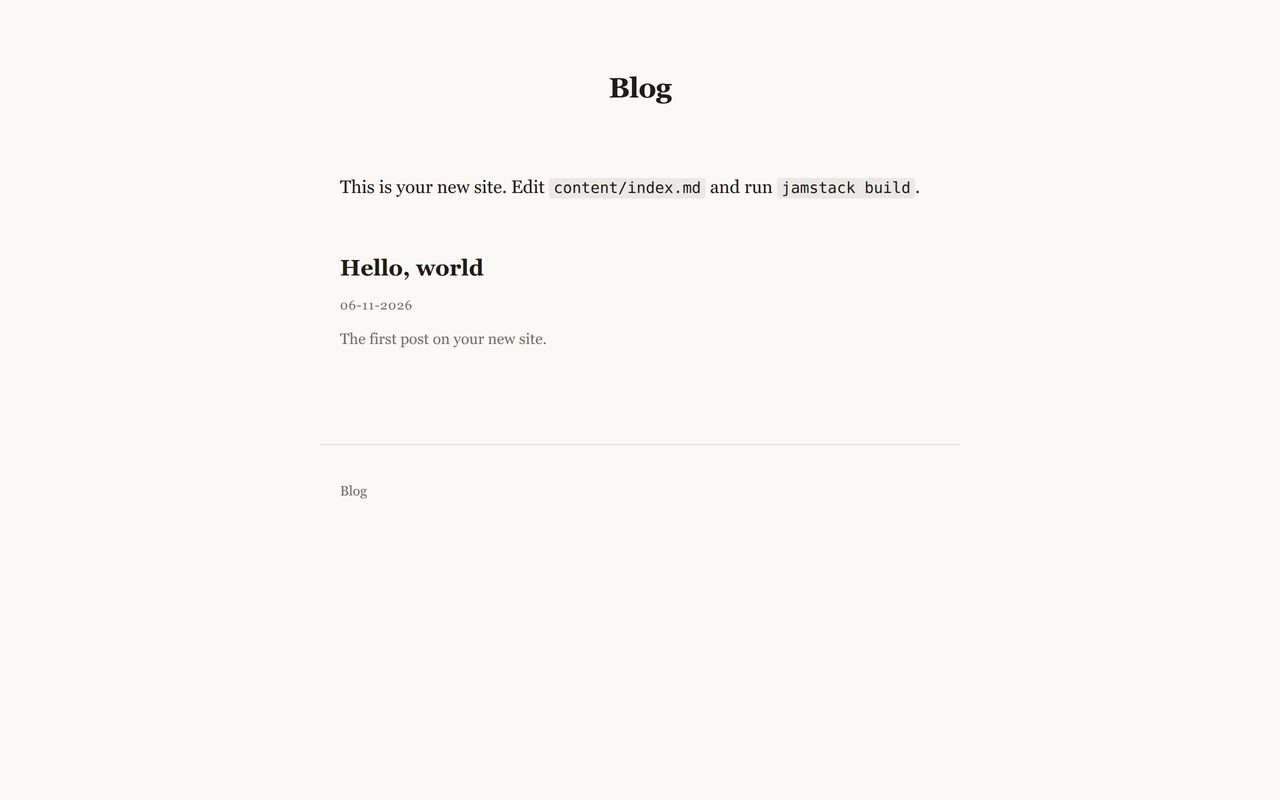
| Blog | Handbook |
|---|---|
 |
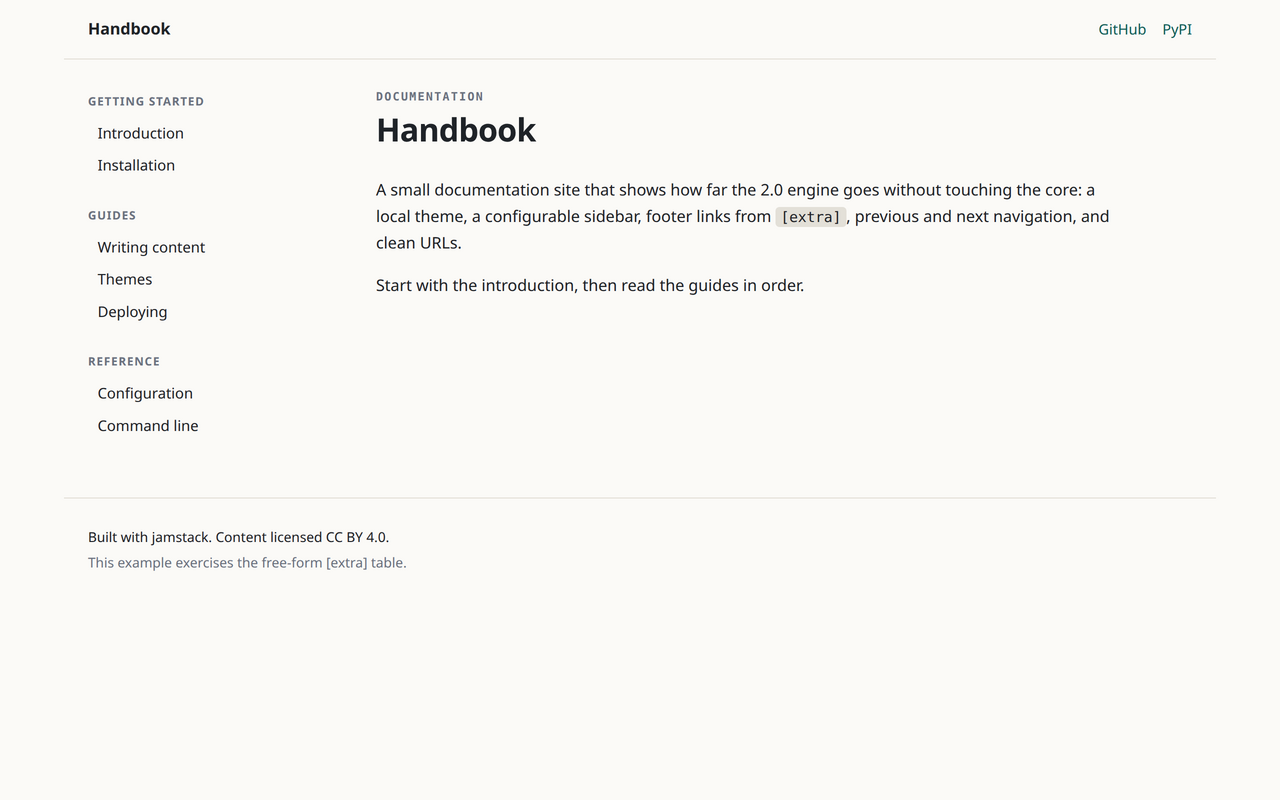 |
See the showcase for all four example
sites, each linked to its source under examples/.
Themes are plain folders, so a custom theme is just a directory with a
theme.toml, templates/, and optionally static/ and scaffold/. See
docs/themes.md for the full specification.
| Command | Description |
|---|---|
jamstack init [PATH] [--theme NAME] [--force] |
Create a new site. |
jamstack build [--clean] [--drafts] |
Build the site into dist/. |
jamstack serve [--port PORT] [--drafts] |
Build, serve, and rebuild on change. |
jamstack themes |
List available themes. |
jamstack --version |
Print the installed version. |
python -m jamstack behaves like the jamstack command.
The 1.x engine (settings.py, posts.json, static.py, html5up themes) is
replaced entirely in 2.0. See docs/migration.md for a
step-by-step conversion guide, or keep using 1.x with:
python -m pip install "jamstack<2"git clone git@github.com:jamstackpy/jamstack.git
cd jamstack
git switch stable
python -m venv .venv
. .venv/bin/activate
pip install -e ".[dev]"
pre-commit install --hook-type pre-commit --hook-type commit-msg
pytestCommits follow Conventional Commits; see CONTRIBUTING.md.
Apache-2.0. The 1.x html5up templates were distributed under CC BY 3.0 and are no longer part of this branch.